
TV Wall Mount vs TV Stand: I Did Both in Two Apartments. Here’s the Honest Math.
In the last four years I have lived in two apartments, and in each one the TV went up a different way. Apartment one: a 55-inch screen bolted to the wall with a full-motion mount I bought for $45. Apartment two: a 65-inch screen sitting on a $188 LED TV stand from FLNORW MALL. Friends ask which setup I prefer, and I always give the annoying answer first: it depends on three things — what your walls are made of, whether you own or rent, and who is going to be running around in front of that screen.
This is the full accounting. Real costs, the safety numbers that actually changed my mind about one thing, and the sizing rules I wish someone had told me before I drilled holes in a rental.
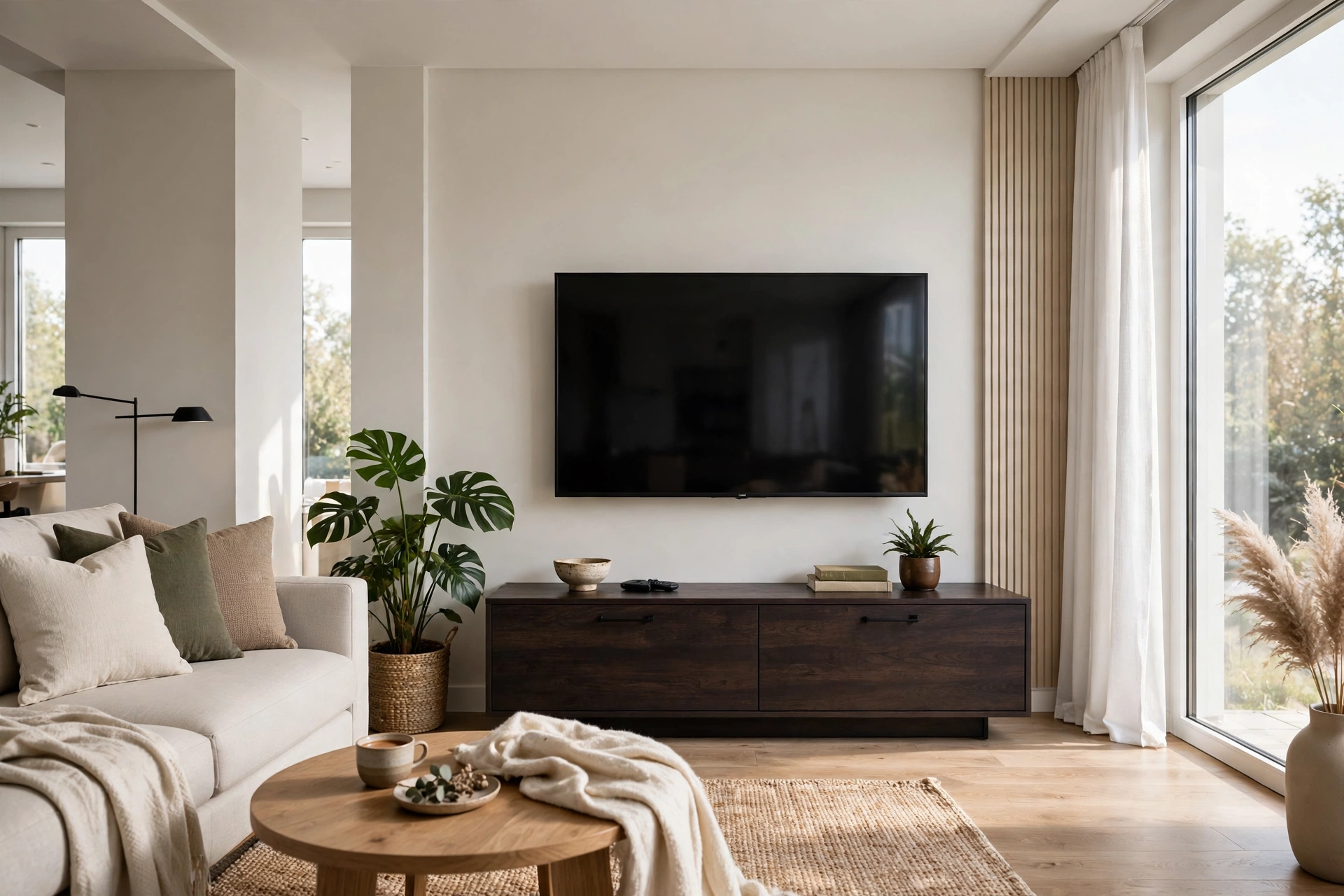
What each setup actually costs
Lets start with money, because the internet loves to pretend these two options cost the same. They do not.
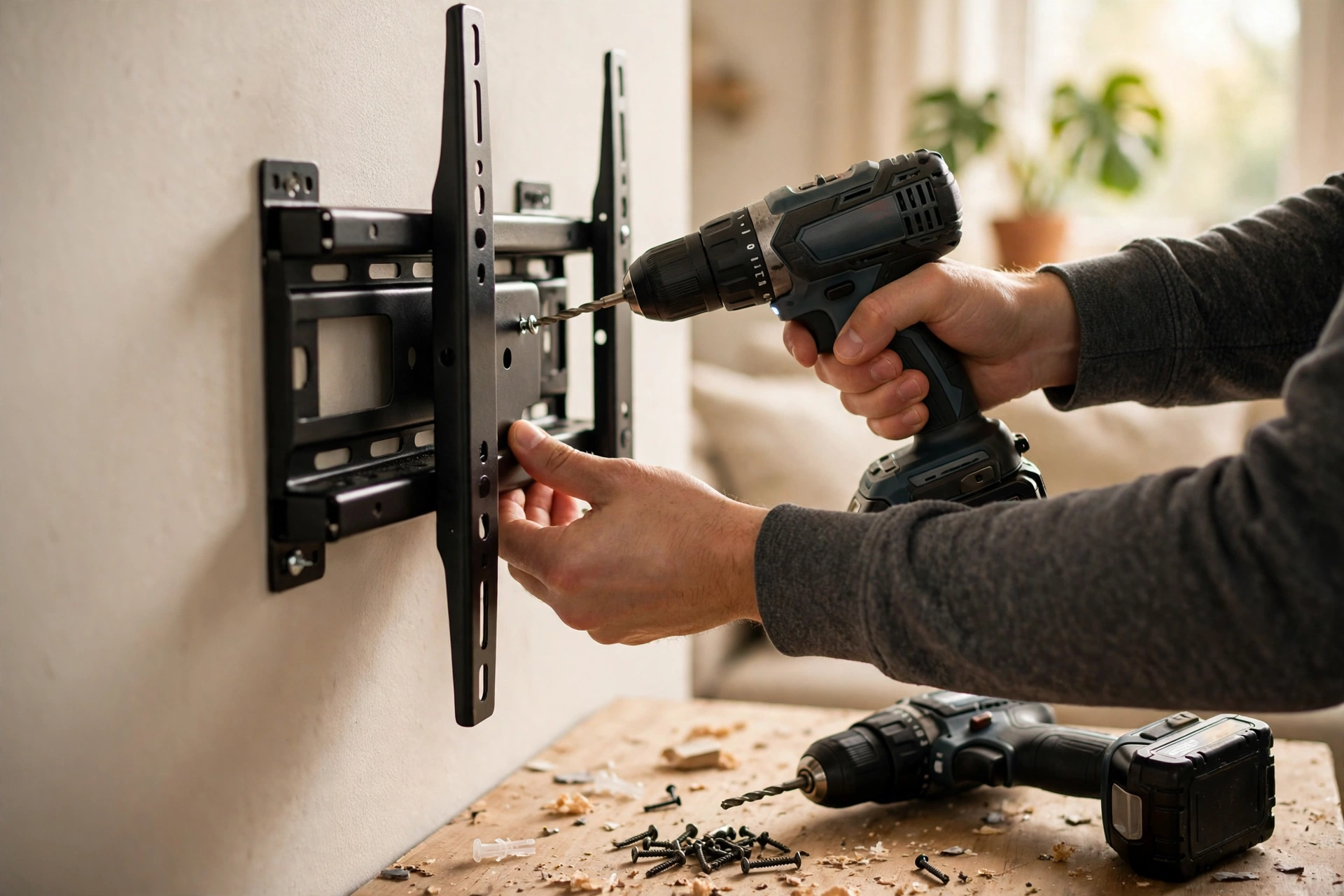
The wall-mount route. A decent full-motion mount for a 55 to 65-inch TV typically retails between $25 and $80. I paid $45 for a no-name unit rated for 88 pounds — my 55-inch TV weighs about 40 pounds, so the margin was comfortable. Installation was free because I did it myself: find two studs, level, drill, hang, done in about 45 minutes. If you hire it out, professional mounting typically runs $100 to $200, so a mounted setup lands somewhere between $45 (DIY) and roughly $280 all-in. One cost people forget: when I moved out of that rental, patching and repainting the four bolt holes cost me $60 from the landlord deposit dispute. Call it tuition.
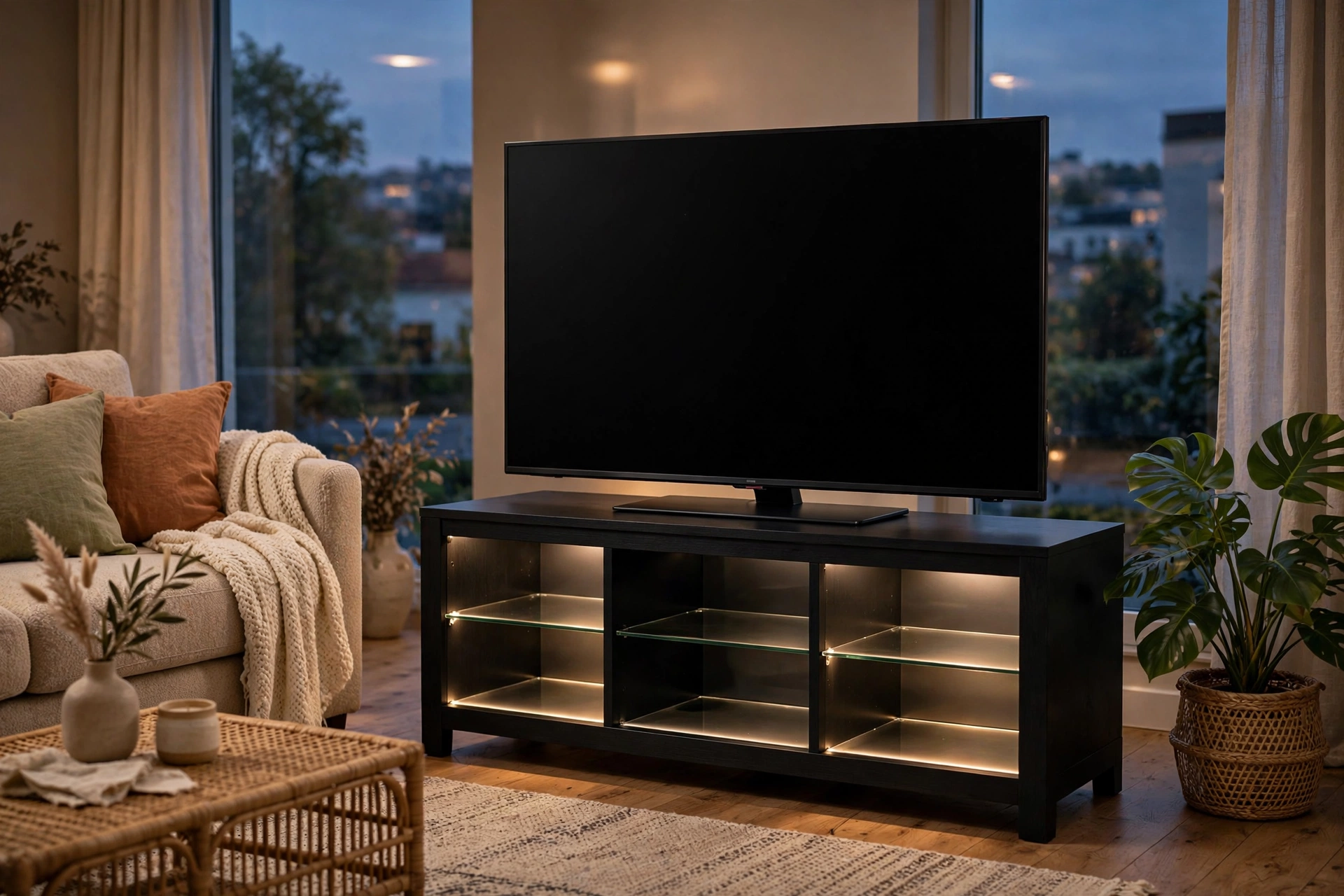
The TV-stand route. FLNORW MALLs $188 LED TV stand (the 57-inch model with 16-color LED lighting and glass shelves, reviewed in detail on this blog) was the whole project. No install appointment, no stud finder, no holes. Assembly took under an hour with the included hardware. Total: $188, and I got storage for a game console, a soundbar shelf, and two cabinets of board games thrown in.
Over five years, the mount wins on pure dollars if you install it yourself — $45 plus $60 in move-out repairs is $105 against $188. But that math ignores the second-biggest factor in this whole debate, and it is not money.
Wall mount vs TV stand for safety: the numbers that matter
I have a toddler niece who visits often, and that is why I looked this up. The U.S. Consumer Product Safety Commission has been tracking tip-over deaths for decades, and the numbers are sobering. A CPSC report released in January 2021 found that between 2000 and 2020, an estimated 472 children were killed in TV and furniture tip-over incidents, with an annual average of nearly 10,000 children treated in emergency rooms for tip-over injuries from 2018 through 2020 (reported by Safety and Health Magazine, citing the CPSC). A later CPSC annual tip-over report counted 217 reported fatalities from January 2013 through July 2023, 155 of them — 71 percent — children (Kid Safety Index, verified against the CPSC report PDF).
Here is the part that applies directly to our question: the single most common fatal scenario is a TV falling together with the furniture under it — a kid climbs the furniture, the TV rides along. Wall-mounting the TV eliminates that failure mode almost entirely, because the screen is bolted to studs. The CPSC notes that anti-tip straps and kits cost $20 or less at any hardware store, and for a stand setup, anchoring both the TV and the furniture to the wall is the move they recommend.
My honest read: if you have small kids climbing everything in sight, a wall-mounted TV (or a stand with the TV strapped to the wall) is not an aesthetic choice — it is the safer default. If your household is adults only, this factor mostly drops out, and you can decide on comfort and convenience.
The viewing-height question nobody asks first
Every installer I have ever talked to repeats the same guidance: the center of the screen should sit at your seated eye level, which for most sofas means roughly 40 to 44 inches off the floor. Get this wrong and you spend every movie night craning your neck.
This is where the mount quietly wins. You pick the exact height — bolt it, level it, done. With a stand, the screen height is whatever the stand plus the TVs feet give you. My $188 stand puts the 65-inch screen center at about 42 inches, which happened to work. But if I had bought a taller stand, or a shorter one, I would have been living with someone elses geometry. If you mount, measure twice: sit on your actual sofa, have someone hold a tape at eye level, and mark the wall.
Moving, renters, and the hole-in-the-wall problem
Renters, listen up: check your lease before you buy a mount. Plenty of leases allow small nail holes but draw the line at the half-inch lag bolts a 65-inch mount needs. My first apartment technically allowed mounting; my friends building explicitly forbade it. When in doubt, ask in writing — a $60 patch-and-paint charge is cheap tuition, but a full deposit deduction is not.
The stand is the renters champion by default: zero wall damage, and it moves with you. But here is the counterpoint I did not expect — moving a wall-mounted TV is actually easier. Unclip, wrap the mount arm in a towel, go. Moving a loaded TV stand means emptying every shelf and cabinet, and the stand itself is awkward dead weight. If you are the type who rearranges furniture twice a year, the stand wins again, because you can slide the whole setup. A mounted TV is married to that wall until you unbolt it.
Soundbars, consoles, and the cable situation
The clean-cable look is the mounts strongest aesthetic argument. Route the HDMI and power through the wall (or a paintable cable channel if you are renting), and the floating-screen look is genuinely striking. My apartment-one setup had exactly zero visible cables, and guests noticed.
But — and this surprised me — the stand setup won on everyday convenience. The soundbar sits on the stands top shelf at the perfect height, the game console hides in a ventilated cabinet, and every cable is reachable without a ladder. When my streaming stick started acting up, I swapped it in thirty seconds. On the mounted TV, the same fix meant reaching behind a screen I could not tilt far enough to see. If you have kids who will inevitably yank a cable, by the way, the stands hidden routing plus a strap beats the mounts exposed back every time.
Best TV stand for 65 inch TV: the sizing rules that actually work
TVs keep getting bigger, which changes this whole calculation. The average new TV in the U.S. grew from 47 inches in 2019 to 58 inches in 2023 (Statista, via OrientDeck, 2024). A 65-inch TV is roughly 57 inches wide — and here is the rule I give everyone: your stand should be at least as wide as the TV, ideally 6 to 10 inches wider. The $188 stand at 57 inches is exactly the minimum for a 65-inch screen; it works, but there is no margin.
A few more rules from hard-won experience:
- Weight rating beats price. A 65-inch LED TV typically weighs 45 to 55 pounds. Look for a stand rated for at least 150 pounds — you want headroom, not a math puzzle.
- Depth matters for feet, not just width. Most 65-inch TVs on feet need 12 to 14 inches of depth. Shallow 10-inch console tables are a tip-over risk with feet-mounted screens.
- Ventilation for consoles. Game consoles and receivers need airflow. Glass shelves look great but trap heat; open shelving or mesh backs run cooler.
- Mounts have sizing rules too. Match the VESA pattern (most 65-inch TVs use 400×400) and confirm the mount rating covers at least double the TVs weight.
So — wall mount vs TV stand, which did I keep?
Apartment two, the one I own, has the TV on the stand. Not because the mount lost on merit — it won on price, on safety, and on that floating look — but because my current living room wall is a rental-grade drywall partition I do not trust with 50 pounds of electronics, and I rearrange furniture like it is a hobby. The stands flexibility won my particular situation.
If I were buying for a family room with small kids and solid walls, I would mount in a heartbeat — the CPSC numbers settled that one for me. If I were furnishing a rental, I would buy the stand and strap the TV to the wall with a $20 anti-tip kit, which is the best of both worlds for about $210 total.
The verdict
Mount it if you own your walls, have kids or climbers, want the exact viewing height, and can live with the setup being semi-permanent. Budget $45 to $280 depending on DIY versus pro install. Stand it if you rent, rearrange often, want storage built in, or just want the TV working thirty minutes after the box arrives. A good 57-inch stand like the $188 LED TV stand I reviewed here holds a 65-inch screen with room to spare.
Either way, anchor it. The prettiest setup in the world is not worth a tip-over.
Browse FLNORW MALLs furniture collection for TV stands with LED lighting and storage, read my full $188 LED TV stand review, and check the white-glove furniture delivery cost guide before you order anything over 100 pounds. Start at flnorw.com.