I Swapped My Straight Desk for a $199 U-Shaped LED Desk. Here’s My 60-Day Verdict.
For three years I worked at a 47-inch straight desk wedged against my bedroom wall. Laptop propped on a stack of cookbooks because the screen sat six inches too low. Papers slid behind the monitor and were never seen again. By 4 p.m. most days, the right side of my neck had filed a formal complaint. When a coworker sent me a link to FLNORW MALL’s U-shaped desk with LED lights at $199, my first thought was that “U-shaped” sounded like furniture marketing for “eats your whole room.” My second thought was that my neck could hardly get worse. Sixty days later, here is the honest accounting — the good, the annoying, and whether the wrap-around shape actually earns its footprint.
A note on method: I bought this desk the way you would, assembled it in my apartment with a hex key and mild regret, and have used it as my daily work-and-gaming station for two months. Nothing here is sponsored. Measurements below are mine or the product page’s; I will flag the estimates as estimates.
What this U-shaped desk actually is
FLNORW lists it as the U-shaped Desk with Shelf and LED lights — a computer desk in the truest sense, not a dining table moonlighting as one. The headline specs, all from the product page: assembled dimensions 82 by 43 by 35 inches, 96 pounds, a metal frame with E1-graded MDF board, a 176-pound maximum weight rating, a six-color LED strip, a raised middle shelf for your monitor, four under-desk storage shelves, and eight adjustable feet. It ships in one box weighing about 100 pounds, comes in black, brown, or gray, and the page says assembly takes about 20 minutes. Item code W578P149137.
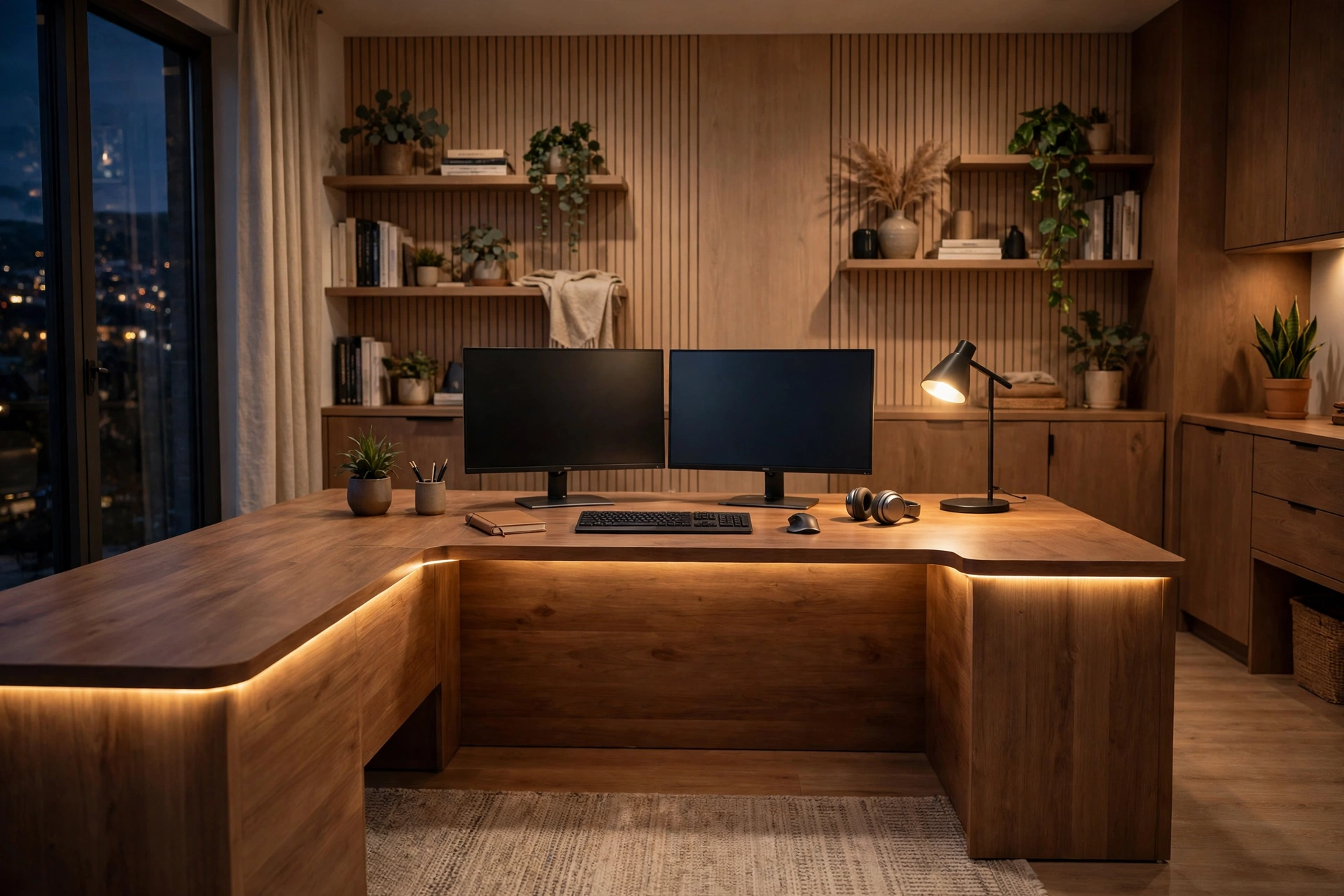
The “U” is the whole pitch: a center section flanked by two side wings, giving you three separate desktops instead of one long runway. The center section carries the raised monitor shelf; the wings are standard-height work surfaces. If you have ever tried to run a printer, a second monitor, and a notebook on a 47-inch straight desk, you already understand the problem this shape is solving.
The space math: three desktops beat one big one
Let me do the arithmetic, because “U-shaped” needs to justify itself in square inches. The assembled footprint is 82 by 43 inches — that is 3,526 square inches, roughly 24.5 square feet of surface. My old 47-by-20 desk gave me 940 square inches, about 6.5. So this U-shaped computer desk delivers roughly 3.7 times the work surface of a typical budget straight desk.
More importantly, the shape divides the surface into zones. My layout after two months of tinkering: the center section holds two 24-inch monitors on the raised shelf with keyboard and mouse below. The left wing is the printer plus a stack of notebooks. The right wing is my writing zone — clear, always, because the clutter has somewhere else to live. On a straight desk, the printer sits behind the monitor and you knock it over reaching for coffee. Ask me how I know.
The monitor shelf deserves its own paragraph, because it fixed something I had spent two years ignoring. OSHA’s Computer Workstations eTool — the closest thing the US has to an official desk-setup guide — says the top of your screen should sit at or slightly below eye level, roughly an arm’s length away, about 18 to 20 inches. My laptop-on-cookbooks setup had the screen roughly six inches below eye level, which is exactly why my neck filed complaints. The shelf lifts the monitors into the right band. Within two weeks the 4 p.m. neck ache was gone. That is a personal observation, not a medical claim — but it is the single most valuable thing this desk did for me.
Assembly: 20 minutes is optimistic, 50 is honest
The box arrives at 100 pounds and measures 47 by 22 by 11 inches. Dragging it up two flights of stairs was the hardest part of the project, and I am including the delivery driver’s sympathy in that assessment. Solo, with the included hex key and the printed instructions, assembly took me about 50 minutes. The product page says 20, which I suspect assumes two people and a power driver. The panels are numbered, the holes lined up, and nothing required swearing — which, for flat-pack furniture, counts as a five-star review.
The eight adjustable feet are a detail I did not expect to love. My apartment floors slope gently toward the hallway, and I could level the entire 82-inch span with a few twists of the feet. A six-foot desk that rocks is unusable; this one does not move. One genuine annoyance: cable management is entirely your problem. There is no grommet, no tray, no raceway. I spent $12 on adhesive cable clips and a power-strip mount — budget that in, and plan your outlet position before you choose the wall.
The LED lights: ambiance, not a light show
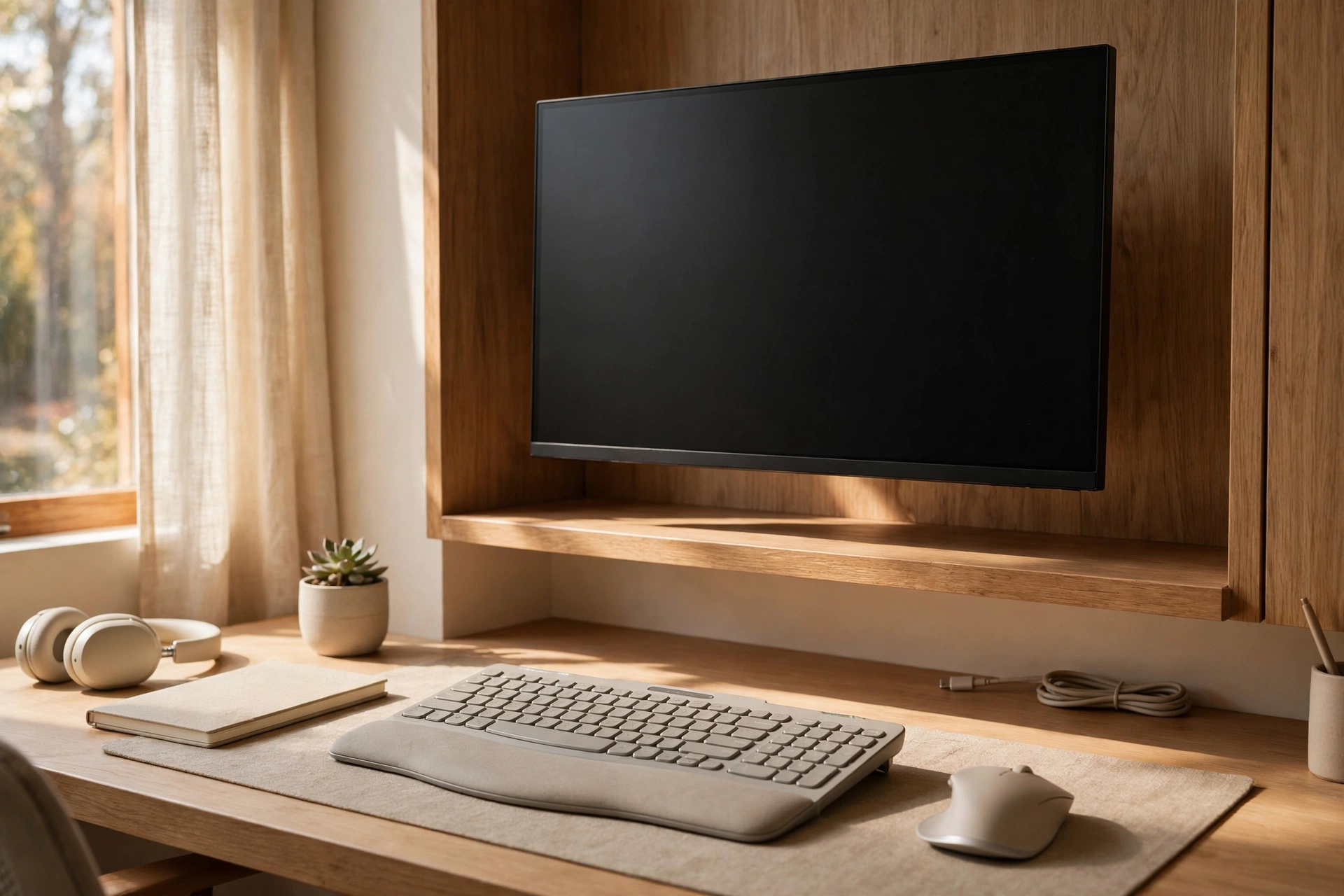
The six-color LED strip runs along the underside edges of this computer desk with LED lights and throws a soft wash onto the wall behind it. I use it every evening — warm white while working, blue or purple when I switch to a game. Does it make me more productive? No. Does it make an 11 p.m. work session feel meaningfully less grim? Yes.
There is a real argument for bias lighting behind monitors: a dim glow behind your screens reduces the contrast between a bright display and a dark room, which my eyes notice on long nights. I will not claim the science is settled, but the LEDs did not cost extra — they are simply included — so treat them as a free comfort upgrade rather than a selling point to pay for.
U-shaped desk vs straight desk: the money math
My old setup: a $120 straight desk plus a $60 side table for the printer, total $180. This U-shaped desk is $199 — nineteen dollars more for 3.7 times the surface, a monitor shelf, four storage shelves, and lighting. That is not a hard comparison to win.
Longer term: a metal-frame desk with E1-grade MDF surfaces should realistically last five to eight years of daily use. That is my estimate, based on the frame construction and the 176-pound rating — the MDF edges are the part to watch, as with any flat-pack desk, so keep drinks on a coaster and do not drag the printer across the surface. At five years, $199 works out to about $40 a year; at eight, about $25. My old $120 desk lasted four years before the legs started wobbling, which was $30 a year. The U-shape is not just cheaper per square inch — it is cheaper per year.
The market context explains why this price exists at all. IMARC Group puts the US home office furniture market at $15.39 billion in 2025, growing to $23.34 billion by 2034 at a 4.71% CAGR. Hybrid work keeps pulling desks out of spare bedrooms and into deliberate setups, and the sub-$200 segment is where most of that upgrade money lands. A $199 wrap-around desk with lighting is what that demand curve looks like in furniture form.
Measure your wall before you click buy
Eighty-two inches is six feet ten. This home office desk setup wants a corner or a long uninterrupted wall; in a studio under about 400 square feet it will dominate the room. That square-footage number is my estimate — tape the footprint out on your floor before ordering, it takes ninety seconds and saves a return. The 35-inch overall height includes the raised center shelf, so check it against your window sill if the desk is going underneath one.
Also know what it is not: it is not a sit-stand desk, and it is not trying to be. If you need height adjustment, that is a different product at a different price. And if your setup is a single laptop you carry to the couch half the time, a 96-pound U-shape is overkill — something like the $188 Bob writing desk in weathered oak would serve you better and visually disappear against the wall.
On the other hand, if you run dual monitors plus a printer and you are tired of playing surface Tetris, the main alternative in this price band is the $188 computer desk in black and chrome with its built-in bookshelf — narrower at 47 inches but taller, and better if floor space is tight and vertical space is not.
My 60-day report card
- Assembly: about 50 minutes solo, probably 25 with a second person. All panels numbered, all holes aligned, zero leftover mystery screws.
- Stability: dual 24-inch monitors, a printer, and a stack of books — comfortably under the 176-pound rating, zero wobble, even on my sloped floor thanks to the eight leveling feet.
- Ergonomics: the monitor shelf put my screens at OSHA’s recommended height. Two months in, the neck ache has not come back.
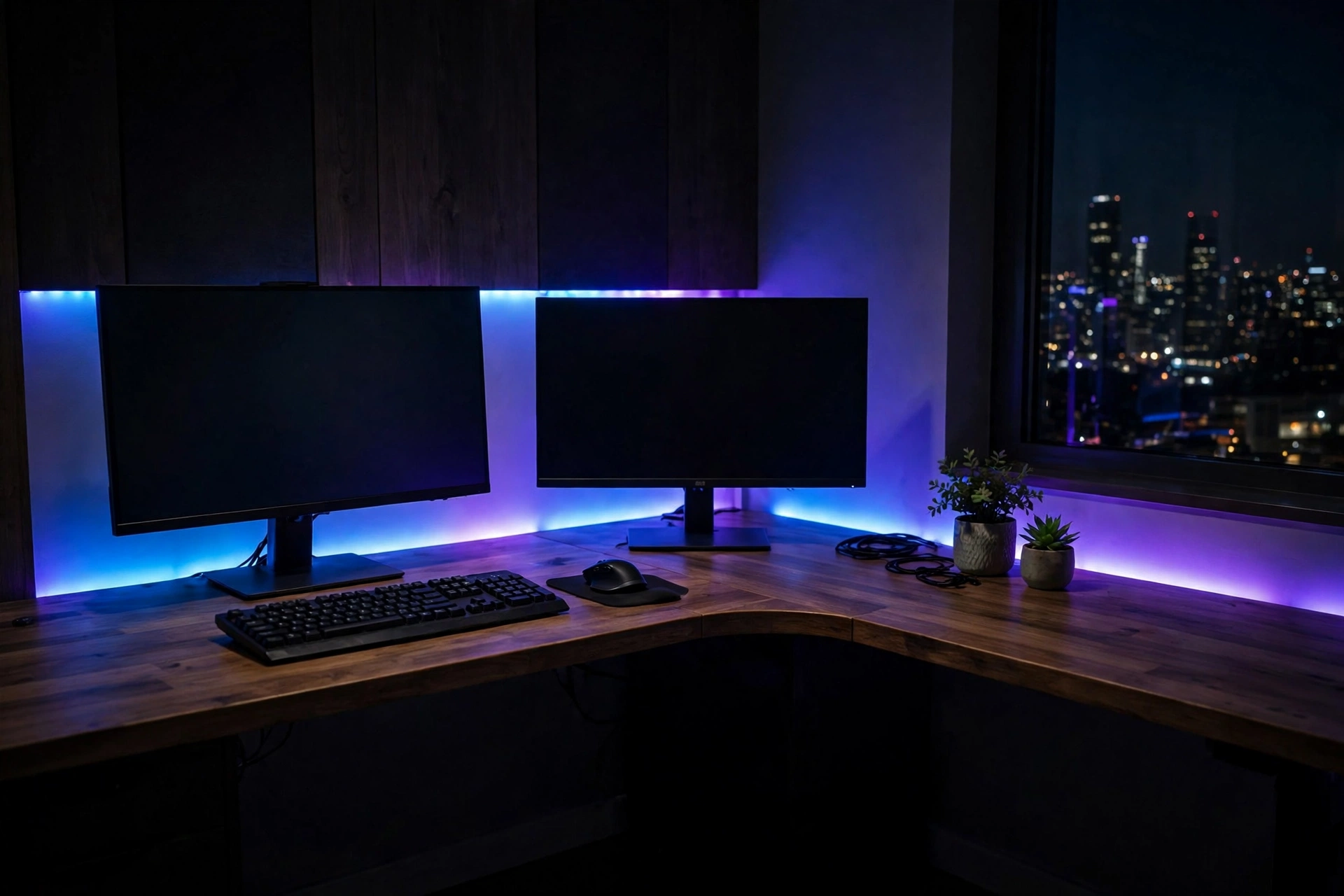
- LED lights: six colors, used nightly. Warm white for work, blue for games. A novelty I have not tired of yet.
- Storage: the four under-desk shelves swallowed my paper clutter. The printer finally lives somewhere that is not “behind the monitor.”
- Annoyances: the 100-pound box barely fit through my hallway; cable management is DIY — bring zip ties and a plan.
Verdict: the wrap-around shape earns its footprint
Sixty days in, the U-shaped desk has done the two things I actually bought it for: it gave every device a permanent home, and it put my monitors at the right height. The LED lights are a genuinely pleasant bonus, not the reason to buy. At $199, it undercuts my old two-piece setup’s annual cost while tripling the usable surface. My neck — the original stakeholder in this purchase — votes yes.
See it on FLNORW MALL: the U-shaped Desk with Shelf and LED lights ($199, in stock, in black, brown, or gray). Tight on floor space? Compare the $188 computer desk with built-in bookshelf or the $188 Bob writing desk. Or browse the full FLNORW MALL furniture collection.