What Size TV Stand Do You Need? TV Width Math
Last spring I upgraded to a 65-inch TV, carried it home like it was a newborn, and set it on the same 48-inch console I had been using since college. The two little L-shaped feet landed with less than two inches of wood to spare on each side. It looked ridiculous. Worse, every time my dog brushed past the console on his way to the water bowl, the whole setup wobbled. That weekend I did what I should have done before I bought the TV: I grabbed a tape measure and worked out what size TV stand I actually needed. This guide is the math I came up with, checked against real stands on real walls, so you do not have to learn it the way I did.
The 3-Inch Rule: Your Stand Should Be Wider Than Your TV
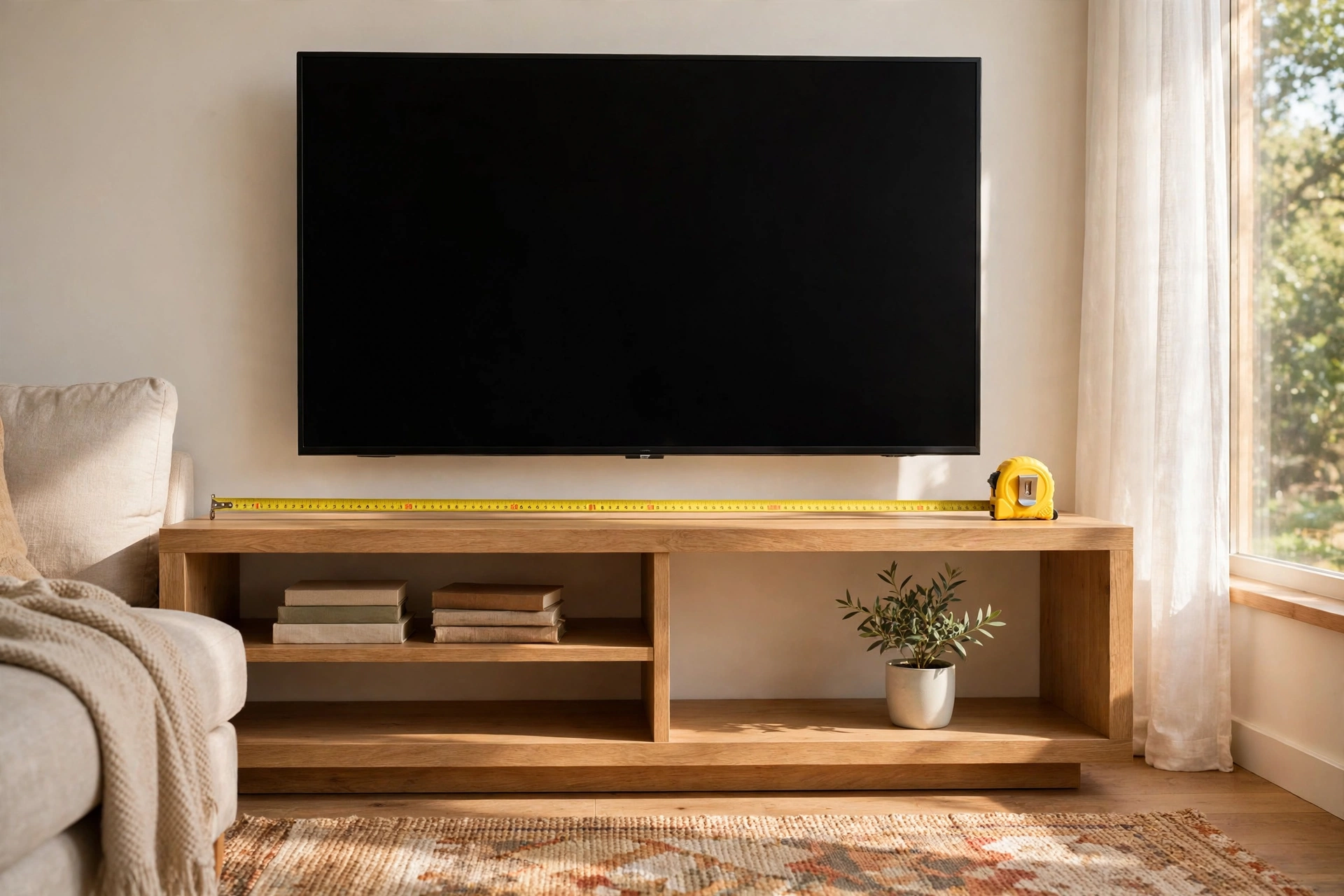
The rule every installer will tell you — and the one I ignored — is simple: your TV stand should measure at least 3 inches wider than your television, with 6 inches of breathing room per side as the sweet spot. That buffer does three jobs. It keeps the TV feet planted on solid wood instead of perching near the edge. It keeps the setup from looking like a top-heavy mushroom. And it leaves room for a soundbar, a console, or the occasional elbow.
Here is the part that trips people up: measure the TV itself, not the diagonal. A 65-inch TV is roughly 57 inches wide across the front — I taped mine at 57.3 inches of bezel. A 55-inch runs about 48.5 inches wide, and a 75-inch about 66 inches. Diagonal size is marketing; width is physics. Add the 3-inch minimum per side and you have your stand width: roughly 55 inches for a 55, 63 for a 65, 72 for a 75. Write those numbers on a sticky note before you start shopping, because showrooms are designed to make everything look bigger than it is.
What Size TV Stand for a 55-Inch TV?
For a 55-inch set, anything from 55 to 65 inches wide lands in the sweet zone. A 60-inch stand under a 55-inch TV is the classic proportion — the console reads as a real piece of furniture rather than a TV accessory, and you get usable surface on both sides for a speaker, a stack of books, or the remote graveyard we all own.
Watch the other direction too. A stand wider than 70 inches under a 55-inch TV starts to look like a sideboard that happens to have a television parked in front of it, and you pay for storage you will never fill. On depth, 16 to 18 inches is plenty for most 55-inch setups. Modern TVs are only a couple of inches deep, so depth is really about your soundbar and game console, not the screen. Before you buy, take four measurements and write them down:
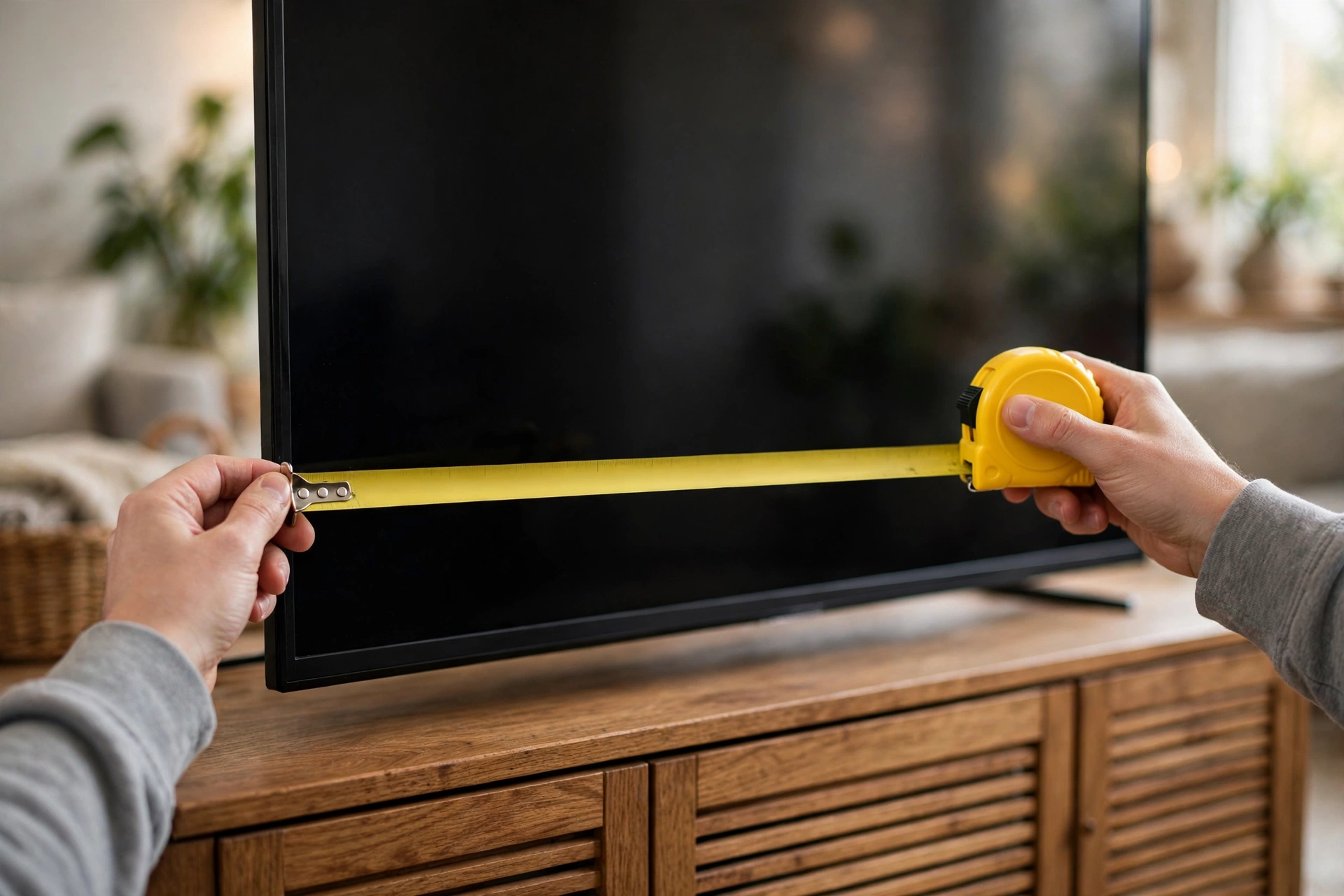
- TV width across the bezel, not the diagonal — my 65-inch taped at 57.3 inches.
- Foot spread — the distance between the outer edges of the TV feet, which is what actually touches the wood. Mine were 44 inches apart.
- Wall width where the stand will live, minus any baseboards or door swing you need to clear.
- Seated eye height — sit on your couch and have someone measure floor to your eyes. Mine came out at 41 inches.
What Size TV Stand for a 65 or 75-Inch TV?
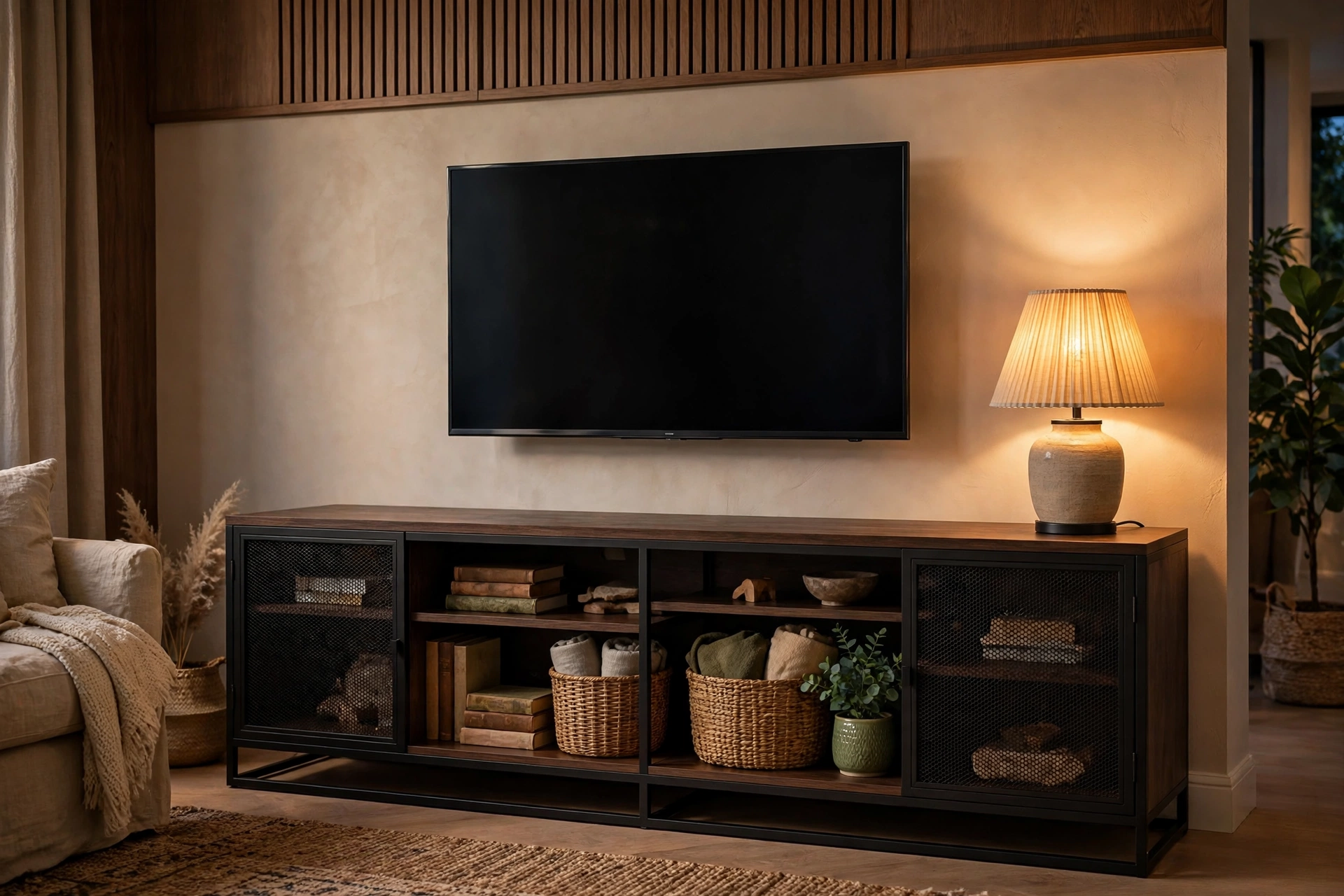
This is where the math gets unfriendly, and where I went wrong. A 65-inch TV needs a stand at least 63 inches wide — and that is the bare minimum, the point where the feet sit comfortably and nothing looks pinched. For the setup to look intentional, I would not go under 65 inches. The Industrial Wood and Metal TV Stand I ended up with measures 65.35 inches long — about 4 inches of breathing room on each side of my 65-incher, which is exactly where you want to be.
For a 75-inch TV, do not bluff your way onto a 60-inch console. You need 70 inches plus, and honestly a 72-to-78-inch stand is the proportion that looks like you planned it. If your wall cannot fit one, the honest move is to wall-mount the TV and put the gear on a low-profile console underneath — more on that in a minute.
One more thing people skip: weight. A 65-inch TV weighs roughly 50 to 60 pounds, and a 75 can push past 75. Check the stand weight capacity, not just the width. The industrial stand weighs 55.10 pounds itself with powder-coated steel framing — heavy enough that the TV cannot tip it, with the shelves low to the ground so the weight sits where it stabilizes the whole piece.
Height Math: Center the Screen at Your Eyeline
Width gets all the attention, but height is the one that hurts your neck. The home-theater guidance installers still quote — THX recommends about a 36-degree viewing angle, and the old SMPTE standard sets a 30-degree minimum — all boils down to one practical rule: the center of the screen should sit at your seated eye height. For most couches, that lands around 40 to 42 inches off the floor.
Here is the arithmetic for my setup. A 65-inch TV is about 33 inches tall including the bezel, so its center sits roughly 16.5 inches above the stand surface. My seated eye height measured 41 inches, which means the stand surface wants to be at about 24.5 inches high. A lot of TV consoles run 28 to 30 inches tall, and that four-inch overshoot is exactly how you end up craning your neck through every movie. The 57-inch LED TV stand I looked at runs only 13.8 inches tall — a genuinely low-profile piece built for setups where the TV practically floats at seated eye level. Match the stand height to your couch, not to the showroom.
Depth and Ventilation: the Inches Nobody Measures
A TV needs almost no depth — most panels are under 3 inches thick. Your other gear is the greedy part. A game console wants 4 to 6 inches of clearance above it to breathe, a receiver can run hot in a closed cabinet, and a soundbar wants a flat, uncluttered surface at least as wide as itself. The industrial stand gives you 18.31 inches of depth plus 3 metal mesh doors — the mesh matters more than it sounds, because it lets the remote signal through and vents heat without you drilling cable holes in the back panel.
If your stand has solid doors, leave the back of one shelf open — or the door cracked — during long gaming sessions. I learned that one from a game console that started sounding like a hair dryer after two hours of a racing game. The 2-tier open shelves on the industrial stand are the honest version of this: airflow built in, no tricks required.
Real Stands, Real Numbers: Two I Would Buy Again
Enough theory. Here is how the sizing math plays out against two real TV stands from FLNORW MALL, with specs verified on the product pages this week.
The Industrial Wood and Metal TV Stand at $199 is my 65-inch TV answer. The numbers: 65.35 inches long, 18.31 deep, 55.10 pounds, 3 metal mesh doors, 2-tier open shelves, powder-coated steel frame in black. The width math works out to about 4 inches of breathing room per side on my 65-inch set. The mesh doors hide the cable tangle while the signal and heat pass through. At $199 it costs less than a single service call to remount a TV you knocked over — which is, incidentally, how my neighbor learned this lesson.
The 57-inch LED TV stand at $188 is the 55-inch TV answer: 57.1 inches long, 15.7 deep, 13.8 tall, built for 32-to-60-inch TVs, with LED lights, glass shelves, and a hidden side bookshelf. That is roughly 4.25 inches of breathing room per side on a 55-inch TV — right in the sweet spot. The low 13.8-inch profile is the interesting part: it drops the screen center toward that 40-to-42-inch eye-level target for low couches, which tall consoles fight against. The LEDs are a bonus I would have rolled my eyes at, then used every evening.
When to Break the Rules
Every rule here has an exception, and I have used all of them. If your wall is too narrow for a 72-inch stand under a 75-inch TV, wall-mount the TV and let a slim console underneath hold the gear — the width rule stops applying because nothing sits on top. If you are in a rental where you cannot drill, a low-profile console like the LED stand reads wider than it is because your eye travels along the light line, not the furniture edge.
And if you want the fireplace look without a chimney, the combo route exists: the electric fireplace TV stand I reviewed last fall is 57.87 inches wide and rated for 60-to-65-inch TVs — the sizing logic is identical, you just add heat to the checklist. The point of the rules is not obedience. It is knowing exactly which one you are breaking, and why.
My Verdict: Measure Twice, Buy Once
Ninety days after I replaced my too-small console, here is what stuck. The 3-inch-per-side minimum is real — my 65.35-inch stand under my 57.3-inch TV ended the wobble the first evening. The eye-level height math fixed a neck ache I had blamed on my couch for a year. And the depth I ignored the first time turned out to be the difference between a silent setup and a game console screaming for air. Tape measure, four numbers, ten minutes: that is the whole ritual, and it beats returning a piece of furniture across town.
Ready to size yours? Start with the $199 Industrial Wood and Metal TV Stand (65.35″, 3 mesh doors) for 65-inch setups, the $188 57-inch LED TV Stand for 55-inch setups, or browse the full FLNORW MALL furniture collection and run the width math before you click buy.